

- Access 600+ models from OpenAI, Anthropic, Google, Mistral, and many other providers through one API key.
- Get automatic prompt caching on long multi-turn sessions with nothing to configure.
- Track and manage your spend in a single location, grouped per Hermes session.
- Apply fallback policies, load balancing, and latency routing to keep your agent responsive.
Prerequisites
- Hermes Agent version 0.21.6 or newer (
curl -fsSL https://hermes-agent.nousresearch.com/install.sh | bash). Check withhermes --version. - A Requesty API key from the API Keys page.
Setup
Pick the surface you use. The plugin is the same in all three, only the clicks differ.- Terminal (CLI)
- TUI
- Desktop app
1
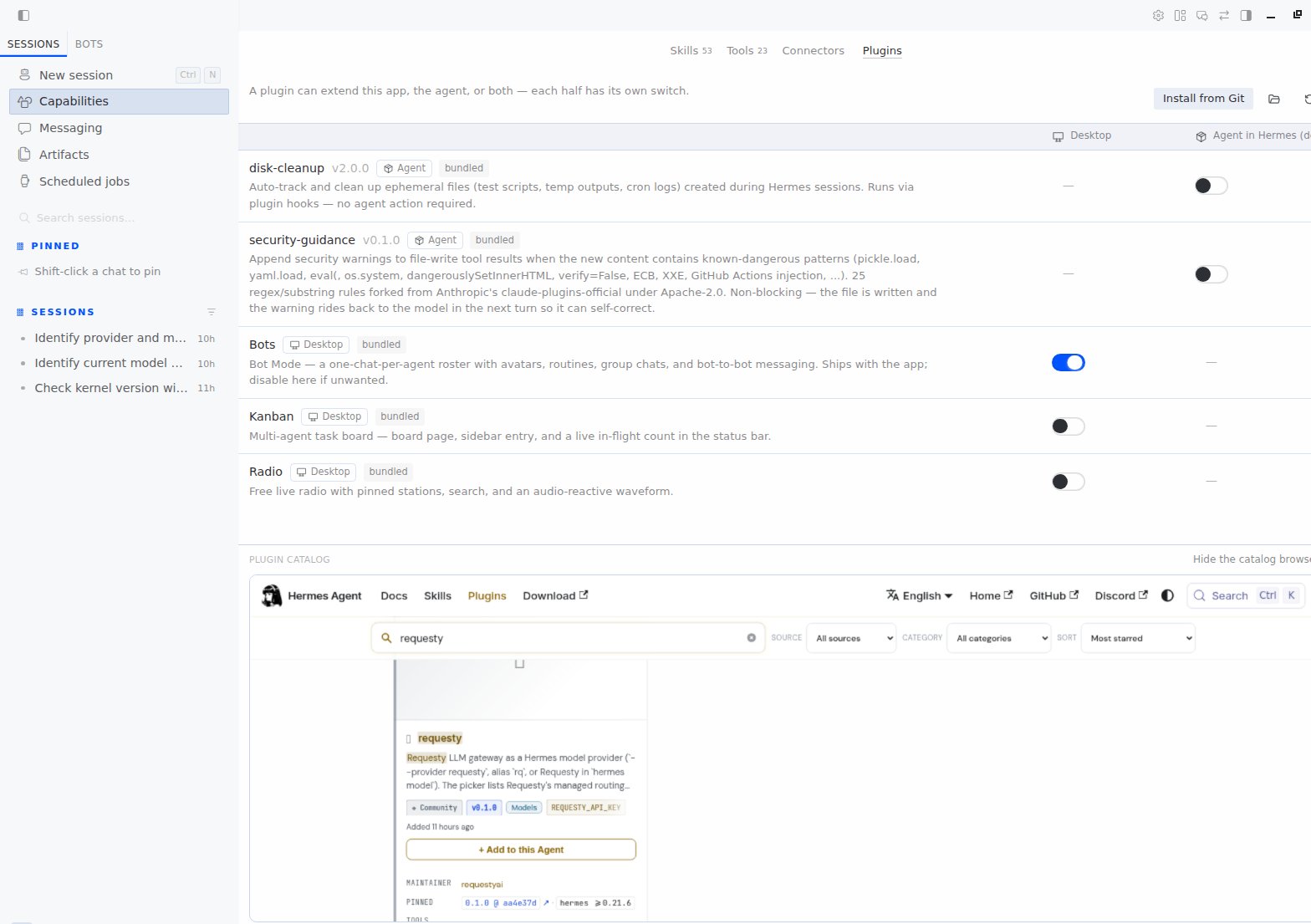
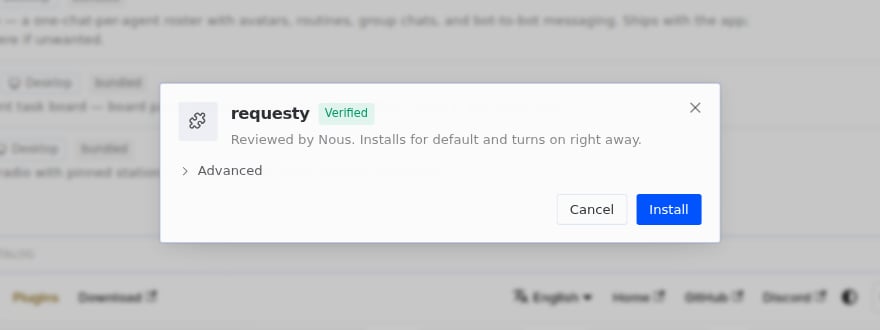
Install the Requesty plugin
--enable, run hermes plugins enable requesty.2
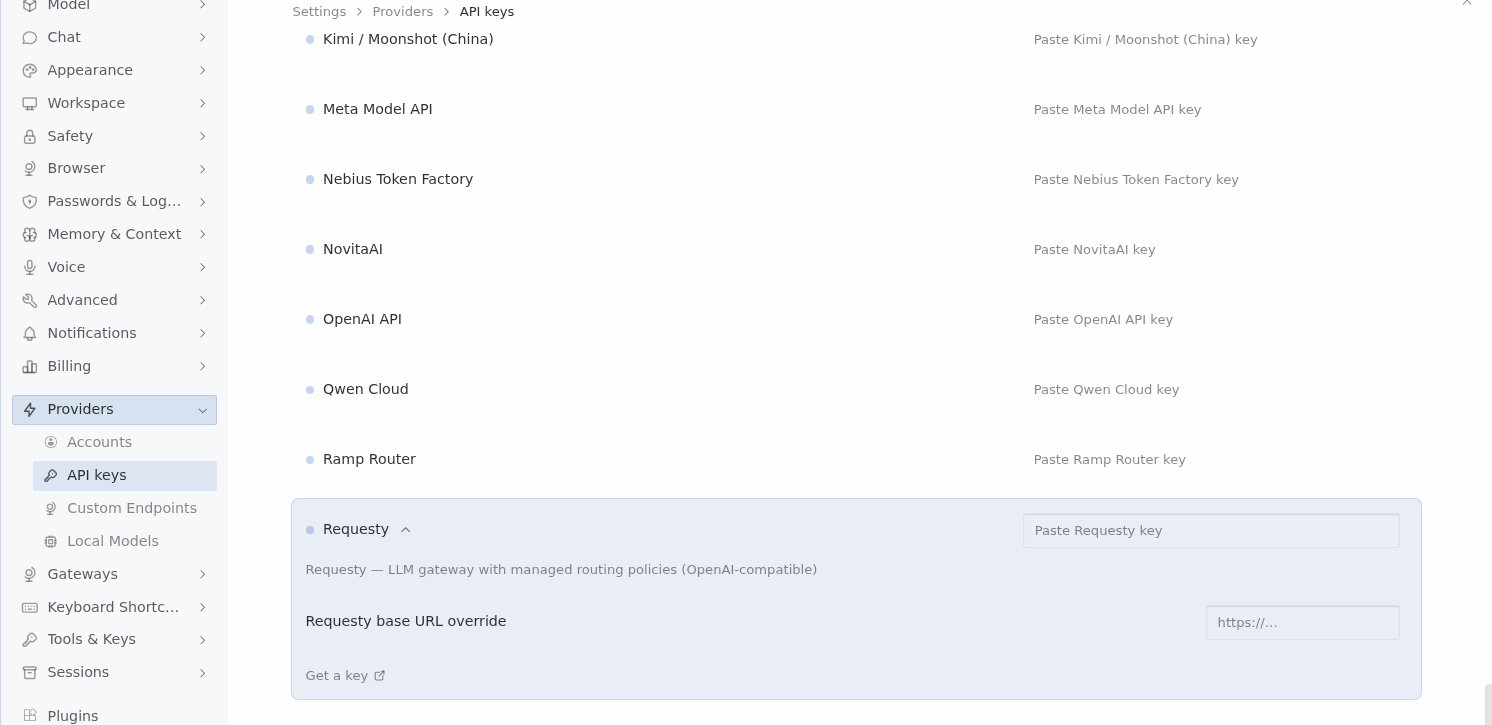
Add your API key
Hermes keeps secrets in
~/.hermes/.env:3
Pick Requesty as your provider
4
Verify
hermes doctor also lists Requesty under API Connectivity.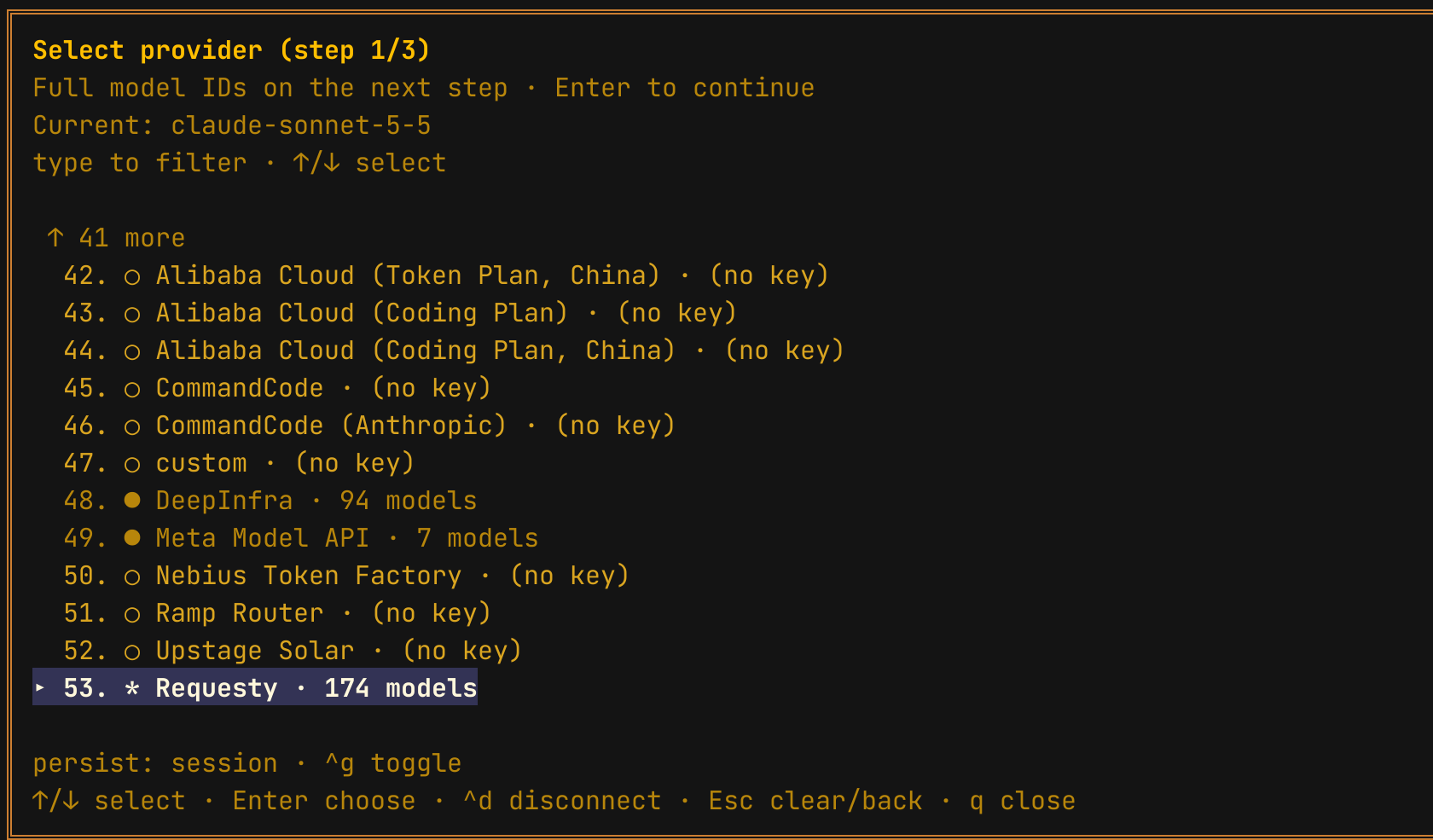
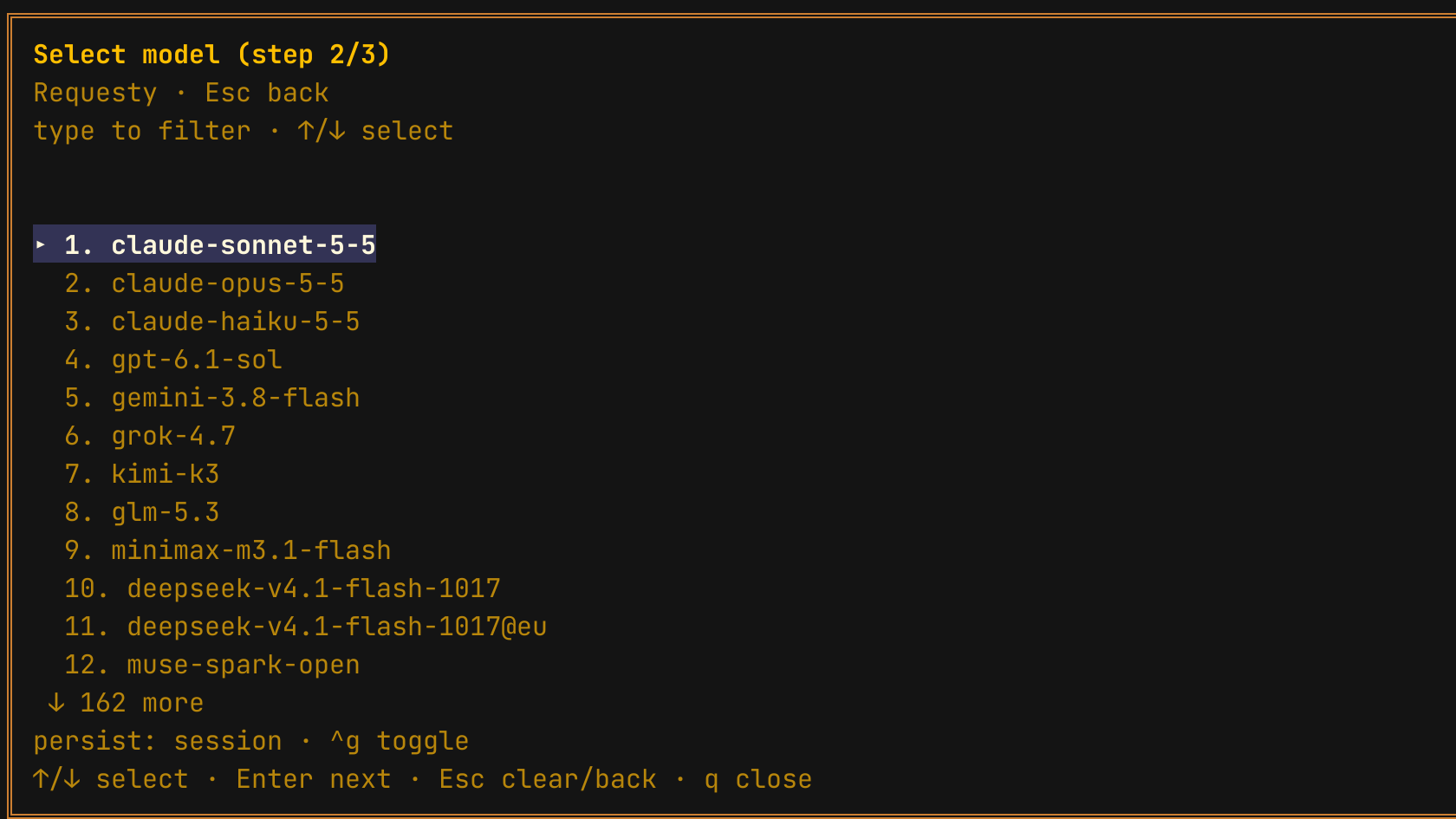

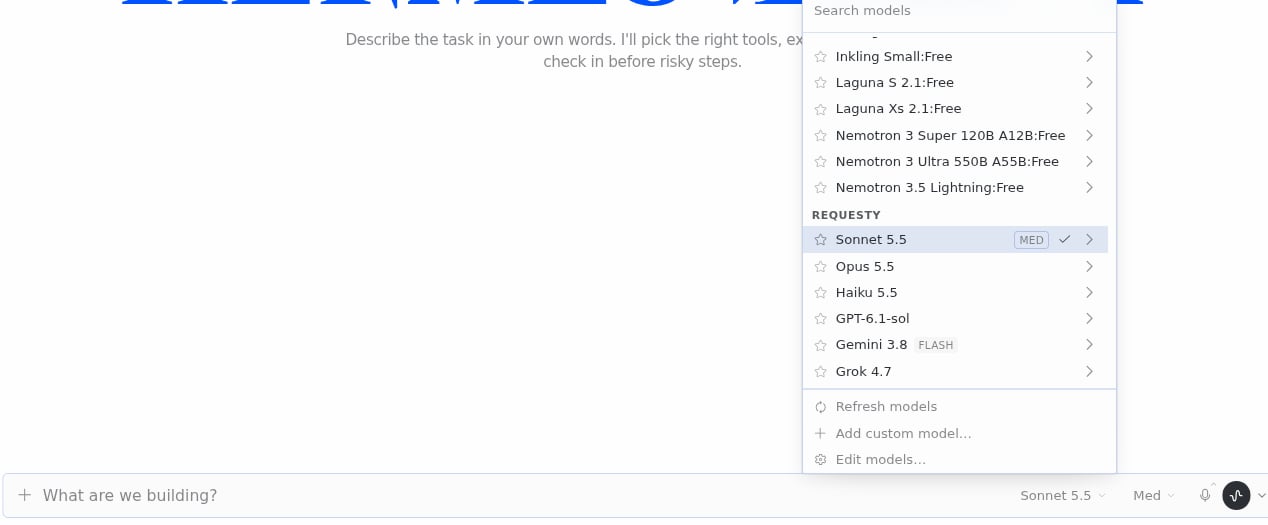

The gateway (Telegram, Discord, Slack and the other platforms) uses whatever default you set with
hermes model.Model selection
The picker shows Requesty’s managed model IDs, for exampleclaude-sonnet-5-5, gpt-6.1-sol, gemini-3.8-flash, kimi-k3. These resolve on the Requesty side to the best available provider for that model, with fallback built in.
You can also type any other ID from the Model Library directly:
/reasoning low|medium|high) are sent to Requesty as reasoning_effort on models that support it.
Recommended: use a Routing Policy
Instead of hard coding a model, point Hermes at a Routing Policy. A policy is a named alias that resolves on the Requesty side. You swap the underlying model from the Routing Policies page without touching Hermes.- Fallback Policy for reliability. If your primary model is down, Requesty retries the next in the chain.
- Latency Routing for speed. Requesty picks whichever provider is currently fastest.
- Load Balancing for gradual rollouts between models.
Prompt caching
Hermes sends a large system prompt (often 15,000+ tokens including tool definitions) on every turn. Requesty recognises Hermes traffic and applies automatic caching server side, so from the second turn onwards the system prompt and tool definitions are served from cache. There is nothing to configure on the Hermes side. You can see the effect ascached_tokens in the analytics dashboard and in Hermes Desktop’s cache hit rate indicator.
Cost and tracing
- Each Hermes session ID is sent as
requesty.trace_id, so one conversation groups into a single trace in the Requesty logs. - Hermes shows an estimated cost per turn using Requesty’s public model catalog. The billed amount is in your Requesty dashboard.
EU routing
To keep all traffic in the EU region, point the plugin at the EU endpoint in~/.hermes/.env:
@eu model variant such as claude-sonnet-5-5@eu in the model picker to route only that model through the EU. See EU Routing for details.
Manual configuration (Hermes older than 0.21.6)
Older Hermes versions do not support provider plugins. You can still connect through acustom_providers entry in ~/.hermes/config.yaml:
Troubleshooting
Requesty does not appear in hermes model
Requesty does not appear in hermes model
Run
hermes plugins list and confirm requesty is installed and enabled. If it is disabled, run hermes plugins enable requesty. The plugin requires Hermes 0.21.6 or newer; run hermes update if you are on an older build.Model not found
Model not found
Check that the model ID is available in the Model Library. If your organization uses approved models, ensure the model is on the approved list. The picker only lists managed models that support tool calling; other IDs can still be passed with
-m.Caching not working (cached_tokens stays at 0)
Caching not working (cached_tokens stays at 0)
Caching starts from the second turn of a conversation, so a single
hermes chat -q call will not show cached tokens. Make sure the model you picked supports prompt caching (see the Model Library).